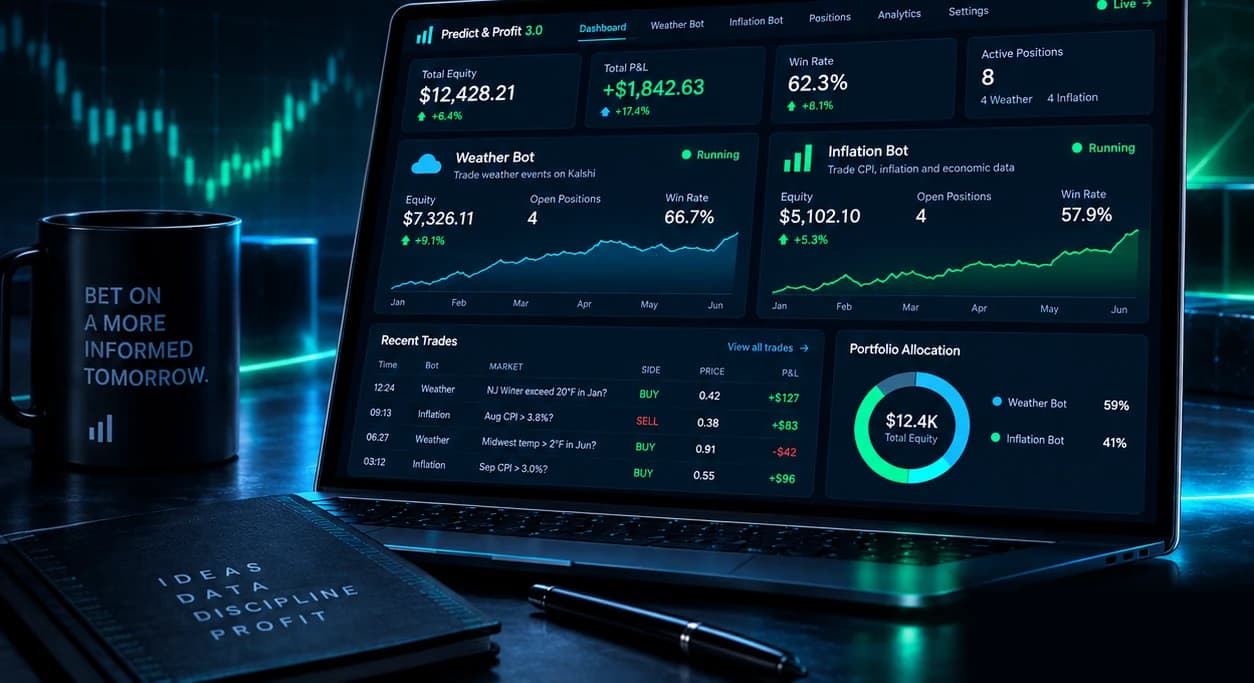
Version 3.0 available now
Predict & Profit 3.0Kalshi Weather + Inflation Trading Suite
Two self-hosted bots. One visual dashboard. Full Python source.
- Run it on your own infrastructure
- Use your own Kalshi account
- Inspect every decision
Full source · One-time purchase · No paid data APIs
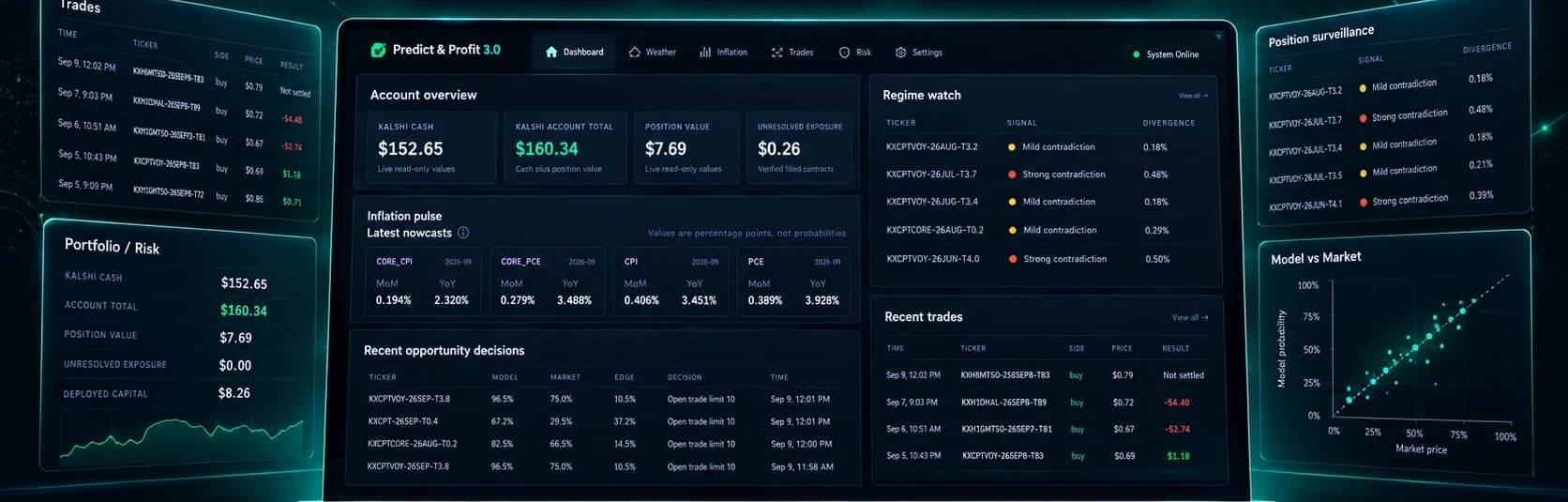
Illustrative interface. Not recorded results.
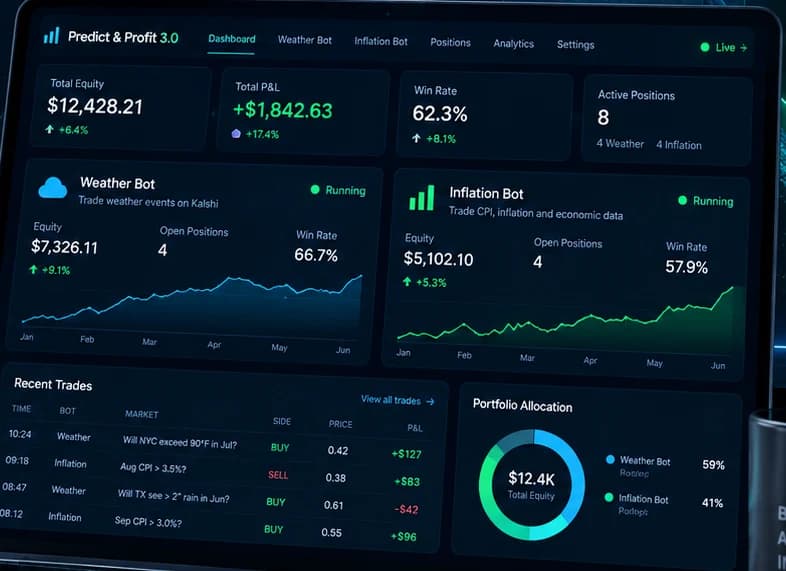
One dashboard. Both strategies.
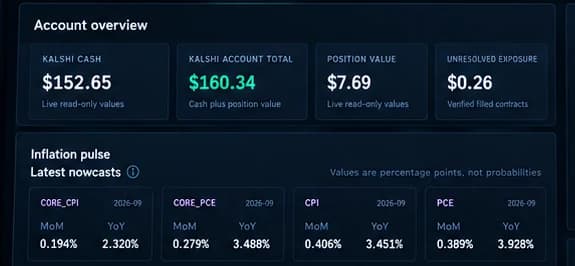
Monitor your Kalshi account, Weather activity, Inflation activity, trades, positions, model output, risk, reconciliation and system health from one place.
- Account overview
- Kalshi cash, account total, position value and unresolved exposure, read from the exchange.
- Trades and positions
- Every submission, fill and settlement, with the fees that were actually recorded against it.
- Weather activity
- Station guidance, the markets that were scanned, and why most of them were rejected.
- Inflation nowcasts
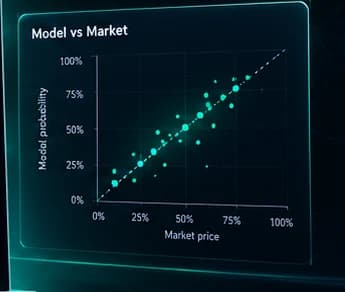
- Current CPI, Core CPI, PCE and Core PCE nowcasts next to where the market is pricing them.
- Portfolio and risk
- Deployed capital, open positions and the shared limits both bots are trading inside.
- System health
- Component status, data freshness and reconciliation state for the whole installation.
The dashboard is for monitoring and visibility. It reports what the bots did and what state the system is in. It does not place trades of its own and it does not bypass the bots' risk controls.
Weather markets, priced from real forecast data
The weather bot prices contracts from NOAA's National Blend of Models: calibrated, station-level guidance published for the exact stations Kalshi settles against. Five further forecast systems stay in the model as a disagreement check.
Forecast data
- NOAA NBM station guidance
- 20-city coverage
- Settlement-station awareness
- NOAA GFS, AIGEFS and HRRR
- ECMWF IFS and AIFS
Execution and risk
- YES and NO routing
- Liquidity and spread controls
- Position and daily-loss limits
- Confirmed-fill accounting
- Settlement reconciliation
Most markets should not result in a trade.
The bot is built to reject a market when the required data, liquidity, pricing or risk conditions are not there. A scan that places nothing is the system working, not the system idle.
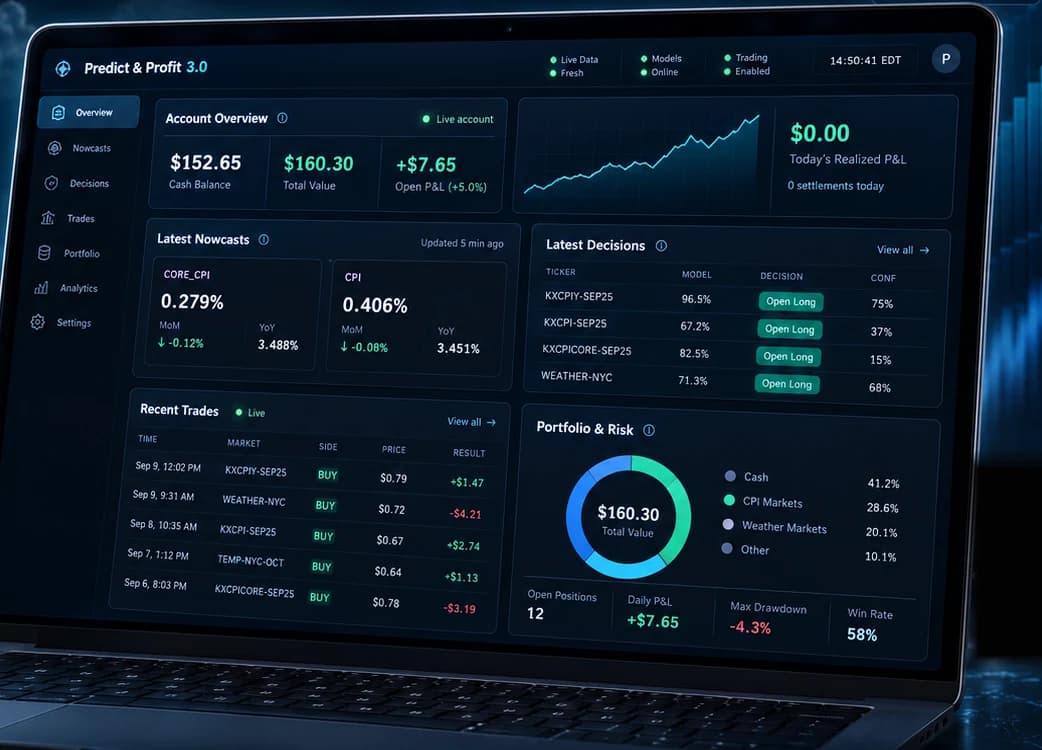
Inflation markets with nowcast-driven signals
The inflation bot scores CPI, Core CPI and PCE markets against the Cleveland Fed Inflation Nowcast and an internal weighted nowcast, then compares that estimate to where the market is actually pricing the strike.
Signal
- Cleveland Fed Inflation Nowcast
- Internal weighted nowcast
- Optional FRED and BLS inputs
- Market and model comparison
- Regime monitoring
Markets and controls
- CPI and Core CPI
- PCE and related inflation markets
- Position-conflict detection
- Confirmed-fill accounting
- Shared account-level risk
Inflation is a strategy, not a bonus.
Weather and Inflation are the two halves of the product. They run as separate components against the same Kalshi account, under the same shared risk engine, with the same confirmed-fill and settlement accounting behind both.
A trading bot is more than POST /orders
Submitting an order is the easy part. Any weekend script can authenticate with Kalshi and send one. The hard part starts immediately afterwards.
- Did it actually fill?
- Was it partial?
- Were the fees recorded?
- Did it settle while the bot was offline?
- Does local state match Kalshi?
- Are two strategies sharing the account safely?
- What happens when an API response is ambiguous?
Predict & Profit 3.0 was built around those problems. Most of the release history is not new signals. It is the accounting, the identity handling and the failure paths underneath them.
- Confirmed fills
- A submitted order is not a trade. Nothing is counted until the exchange confirms the fill.
- Fees and settlements
- The fee Kalshi reports is the fee recorded, and settlements are tracked whether or not the bot was running.
- Reconciliation
- Local state is checked against the exchange. A mismatch stops trading instead of compounding.
- Shared account risk
- Both bots trade one Kalshi account under one risk engine, so neither can quietly spend the other's budget.
- Identity validation
- Orders are bound to authenticated account evidence. An unrecognised identity fails closed.
- Diagnostics
- A doctor command checks dependencies, configuration, credentials and database state before you go near live trading.
- Recovery tooling
- Reviewed, read-only recovery paths for the cases where the exchange and your records disagree.
- Persistent state
- PostgreSQL holds trading, risk and dashboard state, so history survives restarts and upgrades.
- Safe upgrades
- Each release installs as its own immutable version alongside your data, and rollback does not rewrite financial history.
A complete, inspectable system
Not a signal feed. Not a hosted black box. You install the whole thing on your own machine, you hold the source, and nothing calls home.
- Weather Bot
- Inflation Bot
- Visual Dashboard
- Shared Risk
- Reconciliation
- Installer
- Diagnostics
- Migration and Recovery
- Full Python Source
Versioned releases, persistent state
3.0 keeps one permanent installation root. Each release lands beside the last as its own immutable version and is selected atomically, while your configuration, data and logs stay where they are. An upgrade swaps the code, not your trading history.
Managed on Linux, run by you
A guided installer sets up PostgreSQL, the risk policy and the dashboard. A management CLI starts, stops, upgrades and diagnoses the installation, and can install user services so it comes back after a reboot. Nothing starts trading on its own.
Built for the ugly cases too
The interesting failures in an automated trading system are not bad forecasts. They are a fill you did not record, a settlement that happened while you were offline, and two strategies disagreeing about what the account holds. This is what gets qualified before a release ships.
Fresh-install qualification
A clean installation is exercised end to end against a disposable PostgreSQL cluster and a real browser before a release ships.
Migration qualification
Upgrades from supported earlier layouts are rehearsed against realistic historical data, not an empty database.
Shared account risk
Weather and Inflation are tested trading the same account together, because that is where two-strategy bugs actually live.
Order identity handling
Orders are bound to authenticated account evidence. Ambiguous or foreign identities are rejected rather than guessed at.
Fill and settlement reconciliation
Fills, actual fill cost, fees and settlements are taken from exchange evidence. Missing evidence is not filled in with an assumption.
Immutable release packaging
Each release is a fixed archive with a published checksum and a declared compatibility contract. A changed build gets a new version.
Production migration validation
3.0.0 is functionally identical to the release candidate that was qualified and then run in production before the final version was cut.
Fail-closed behaviour
Unresolved exposure, an incomplete account snapshot or a state mismatch pauses trading. The default is to stop, not to continue.
What I do not publish is a daily profit-and-loss scoreboard. I use these bots as active engineering projects, and mixing experimental runs, retired models and current releases into one number would not answer the question that actually matters before you buy: what does this release do, and what has been checked?
One purchase. The whole system.
No subscription, no licence server, no usage tier, and no paid market-data bill waiting behind the install.
Predict & Profit 3.0
Kalshi Weather + Inflation Trading Suite
$129One-time purchase
- Weather Bot
- Inflation Bot
- Visual Dashboard
- Full Python source
- Installer and management CLI
- Shared account-level risk controls
- Order, fill, fee and settlement reconciliation
- Diagnostics
- Migration and recovery tooling
- Customer documentation
- No subscription
- No paid data APIs
Self-hosted on your own machine, traded through your own Kalshi account. Purchase includes six months of updates.
Want to learn first?
The educational ebook covers the market theory and the manual version of the strategy. It is not the software.
Already a customer? 3.0 is a new release with a guided migration path. Check your Gumroad library.
What changed in 3.0 →Know exactly what you are getting
Predict & Profit 3.0 is self-hosted source code for technically comfortable Kalshi users. These are the questions that matter before you purchase it.
Check your eligibility before buying. This software requires a Kalshi account, and Kalshi restricts access from some jurisdictions. Verify that you can use Kalshi where you live in the current Kalshi Member Agreement.
What exactly do I receive?
Predict & Profit 3.0: the full Python source for the Weather bot and the Inflation bot, the visual dashboard, the shared account-level risk engine, order and settlement reconciliation, the guided installer, the management CLI, diagnostics, migration and recovery tooling, and the customer documentation. The purchase is a personal, non-transferable licence.
What does it run on?
Ubuntu 24.04 with Python 3.12 or 3.13 and PostgreSQL 16 or 17. Linux is the supported platform for running the application. Windows is fine as your browser or SSH client, and Windows users who want to run it locally should use WSL2. Native Windows lifecycle operation is not supported in 3.0.
Do I need programming experience?
You should be comfortable on a Linux command line, following setup instructions and reading an error message. The installer is guided and the documentation gives exact commands, but this is self-hosted source code you run yourself, not a desktop application with an installer wizard and a tray icon.
Is there a subscription?
No. It is a one-time purchase of $129. There is no licence server, no metering, and the software does not phone home. You run it on your own infrastructure against your own Kalshi account.
Does the software guarantee profitable trades?
No. It automates data collection, probability estimation, risk checks, order handling, accounting and settlement tracking. It cannot guarantee that a model is correct, that a market is mispriced, that an order fills, or that a trade makes money. Most scanned markets are expected to produce no trade at all.
Do I need paid data APIs?
No. Kalshi API access and the NOAA and Cleveland Fed data the bots rely on are free. FRED and BLS inputs are optional and also free.
Which markets and platforms are supported?
Kalshi weather markets across 20 cities, plus CPI, Core CPI, PCE and related inflation markets. Polymarket is not supported, and neither is any other exchange.
What updates and support are included?
The purchase includes six months of updates. Each update installs as a new immutable release beside your existing data rather than overwriting it. Setup support is available at support@predictandprofit.io, with responses within one business day.
I bought an earlier version. What happens to my data?
3.0 ships migration tooling for supported earlier layouts. It inspects your existing installation, validates credentials and order ownership without modifying the source, converts the schema, and reconciles against Kalshi before anything is activated. Ambiguous ownership, missing history or precision loss blocks activation rather than guessing.
Can I use Kalshi in my country?
The software requires an eligible Kalshi account. Kalshi restricts access from some jurisdictions and may change its eligibility rules. Before purchasing, check the current Kalshi Member Agreement. If Kalshi does not permit access where you live, the trading features will not be usable.
GET IN TOUCH
Contact Us.
Questions about the bot, the data, or licensing? Send us a message and we will respond within one business day.